Stop describing
your screen.
Point at it instead. Snip any part of your screen,
type or say what to change, and drop it into your AI chat.

Sound
familiar?
Words are a slow way to point. The AI guesses wrong, you explain again, and an hour is gone.
No, the other button. The one on the right. Next to the search.
Screenshot, open Paint, draw an arrow, save, paste, explain.
Oh, and one more thing. And another. And the footer too.
Point at it
instead.
Three steps, and the AI knows exactly what you mean.
Snip it
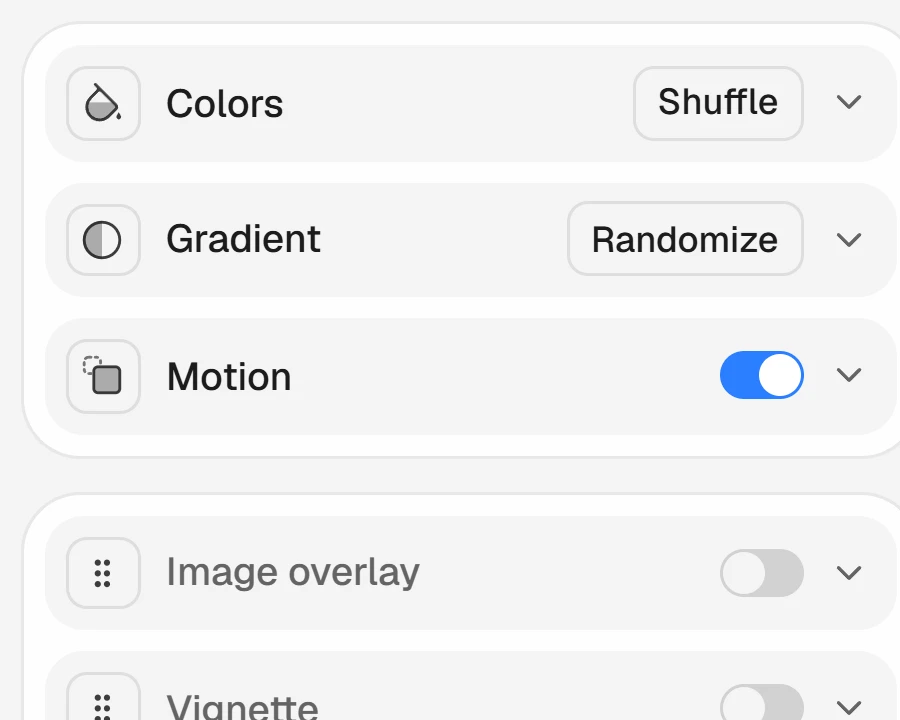
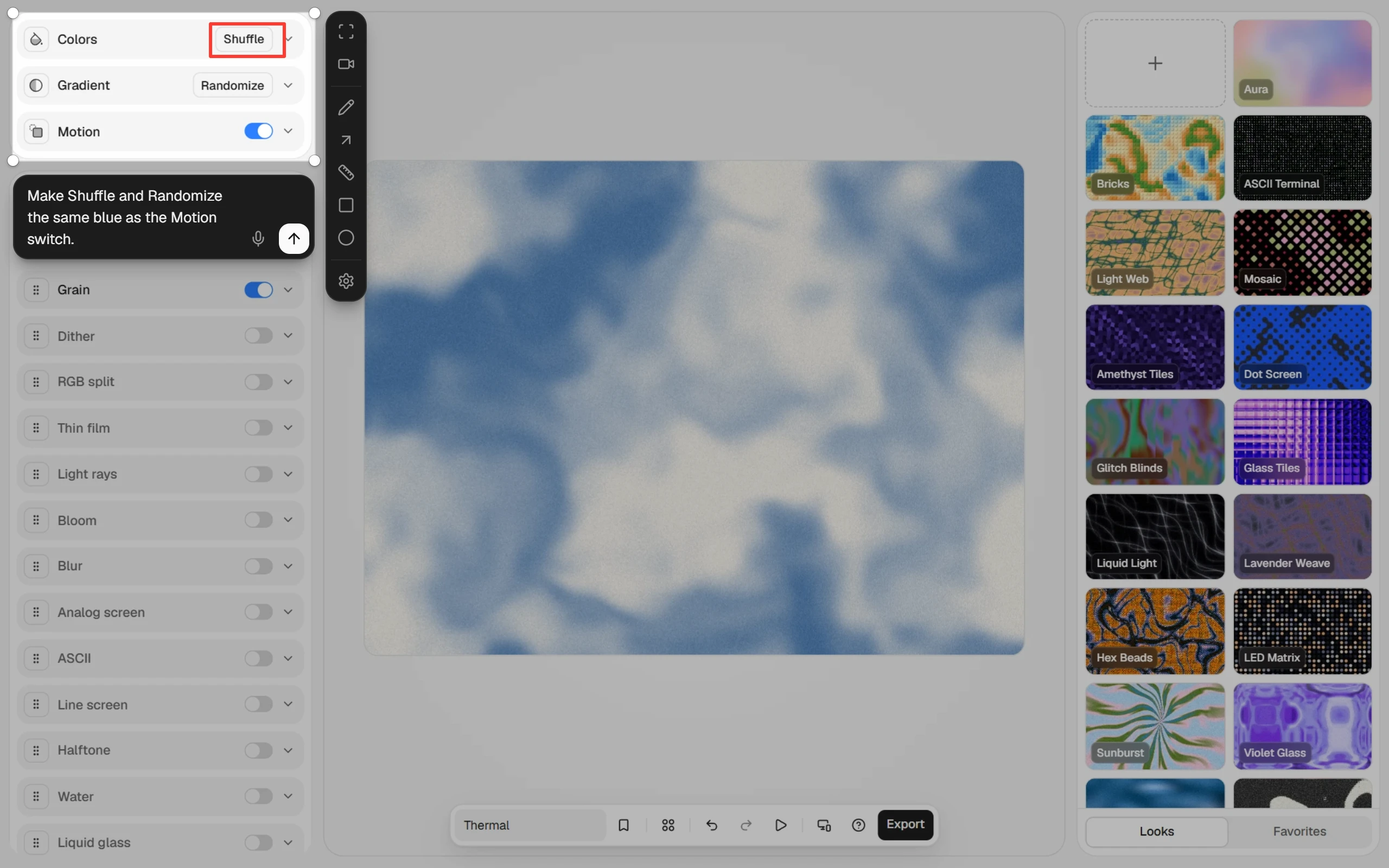
Press Alt+S on Windows or ⌥S on a Mac, and draw around any part of any app. Add a box or an arrow if it helps.
Type it or say it
Write what to change. Or click the mic and talk, when that's easier. Your choice, every time.
Send it
Click your chat and BlinkSnip puts in the picture and your note. You press send.
Made for the
small details.
The things that make screen feedback
slow, taken care of.
-
Boxes and arrowsMark the exact spot, so the AI never has to guess which one
-
Exact pixelsMeasure a gap and the AI gets a number, not "a bit smaller"
-
Many shots, one messageKeep a shot, take the next, and send them together, each with its note
-
Type or talkType your note, or say it. Dictation is free and stays on your computer
-
Show what you wantAdd an example image to the shot: "make it look like this"

 2
2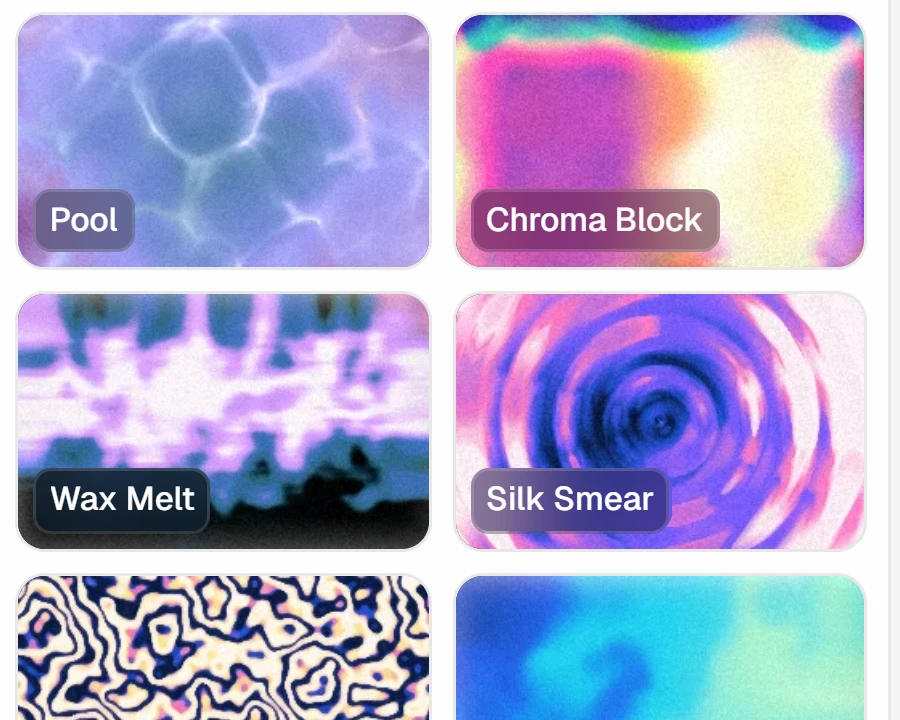
From seven steps
to three.
The same feedback, without leaving what you were doing.
The old way
Seven steps, two apps, and a guess
- Take a screenshot
- Open an editor to draw an arrow
- Save it somewhere
- Switch to your chat
- Paste it in
- Write which part you mean
- Explain again when it guesses wrong
With BlinkSnip
Three steps, right where you are
- Press Alt+S (⌥S on a Mac) and draw around it
- Type or say what to change
- Click your chat
The picture and your note are in. You read it over and press send.
Works with
your AI chat.
Anywhere you can paste: chat websites, desktop apps, and the AI in your code editor.
- VS Code
- ChatGPT
- Claude Code
- Cursor
- Gemini
Anything you can paste into
Pay once. Keep
it forever.
An early price for the first 100 buyers. After that, it goes up to $19.
- Windows and macOS
- Use it on one computer
- All version 1 updates included
- Works offline, dictation too
- 14-day money-back guarantee
Frequently
asked questions.
Is this a subscription?
No. You pay once and BlinkSnip is yours.
Which chats does it work with?
Any app you can paste into: Claude, ChatGPT, Gemini, Claude Code, Cursor, and more, in the browser or as an app. You click the chat's text box and BlinkSnip puts your note and the picture there.
Do I have to talk to it?
No. You type your note as usual. The mic is there for when talking is quicker, and you can switch between the two whenever you like. If you'd rather always start by talking, Settings can do that too.
Does BlinkSnip send my screen anywhere?
No. Your shots and notes stay on your computer, and BlinkSnip only puts them into the chat you click. After that, the chat app's own rules apply.
Is the dictation free?
Yes. It runs on your own computer after a one-time download of about 45 MB, and works offline from then on. No account and no per-minute fees. It understands English for now.
Do I get future updates?
Yes. Every update to version 1 is included. If a paid version 2 ever comes, your version 1 keeps working.
How do I get the app after buying?
You get a license key by email. On Windows, install BlinkSnip from the Microsoft Store. On a Mac, download it from your Polar account. Then open BlinkSnip, paste the key and click Activate.
Does a license work on Windows and Mac?
Yes. A license works on one computer, Windows or Mac. To move it, turn it off in Settings on the old computer first.
Does it need the internet?
Only to activate your license and to download dictation once. After that, BlinkSnip works offline.
What do I need to run it?
Windows 10 (version 1809 or later), Windows 11, or a recent version of macOS.
What if it's not for me?
Write to [email protected] within 14 days of buying and you get your money back. No questions asked.
Can I use it for work?
Yes. Use it for client work, at your job and on your own projects.
Show AI
what you mean.
One-time purchase · Windows and macOS